A good support request makes the problem reproducible. Before asking for help, rule out the most common installation and conflict issues and collect the information needed to diagnose what is actually happening.
Before Requesting Support
Basic checks
- Check the mod status: Make sure the mod is compatible with your current game patch.
- Update the mod: Use the latest available version.
- Check dependencies and DLC requirements: Confirm that every required script, library, and pack is installed.
- Clear the game cache: Delete
localthumbcache.packageafter replacing or removing mods. - Check for duplicates: Old copies hidden in subfolders can keep loading even after you install a newer version.
- Avoid cloud-synced Mods folders: Make sure the active Sims 4 user folder is the local folder the game actually loads.
Rule out conflicts
Test the affected mod with only its required dependencies installed. If the problem disappears, another mod is involved.
If you do not know which file causes the conflict, use the 50/50 method instead of guessing.
Finding Broken Mods explains the 50/50 method step by step.
Where to Ask for Help
For technical support with my mods, Discord is the preferred place. It is easier to keep reports organized and attach logs there than in Patreon or CurseForge comments.
Before opening a new request, check whether the same problem has already been discussed.
Information to Include
A useful report should include:
- Game version
- Mod name and exact mod version
- Download source
- Installed dependencies and their versions
- A clear description of what happens
- What you were doing when it happened
- Whether the problem started after a game or mod update
- Whether the issue also occurs with only this mod and its dependencies installed
- Relevant screenshots or videos of the in-game problem
Log Files
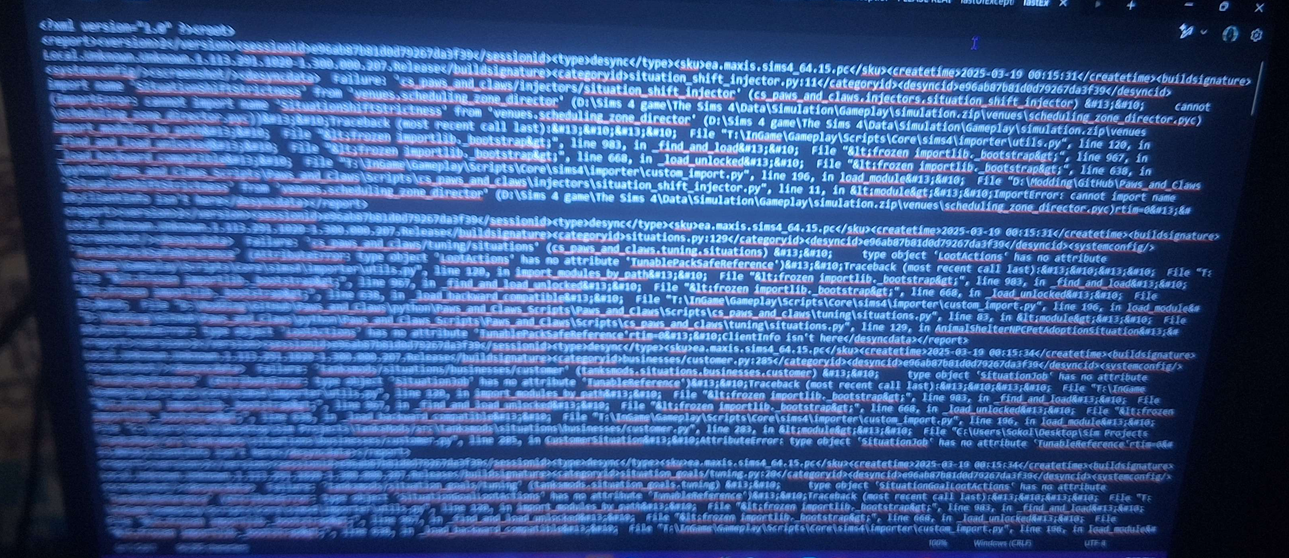
For script-related problems, attach the relevant log files as files or plain text, not screenshots.
Useful logs can include:
LastException.txtLastUIException.txt- MCCC logs
- Better Exceptions logs
- Smart Core Script logs
Logs contain stack traces, file paths, script names, and other information that cannot be reliably read from a screenshot.
Attach the actual file whenever possible. Screenshots are harder to search, copy, and inspect.
A Poor Report
“Your shopping mod isn’t working. I did everything right and nothing happens!”
This does not identify the exact mod, version, action, error, or test conditions, so there is very little to diagnose.
A Useful Report
Hello! I have an issue with SimSim Online Store version 5.0.0 from CurseForge. When I try to buy guitars through the artist-items section, the picker does not open and I receive a LastException. The problem started after updating from 4.9.7. I tested with only the mod and its required dependencies installed, and the error still occurs. I attached the current Smart Core and LastException logs.
This gives enough context to reproduce the problem and inspect the relevant logs.
Before You Send It
Check that your report answers three questions: What exactly failed? Under which conditions? What evidence can someone use to diagnose it?
See Smart Core Errors first; version mismatch and duplicate-file problems usually have a direct fix.